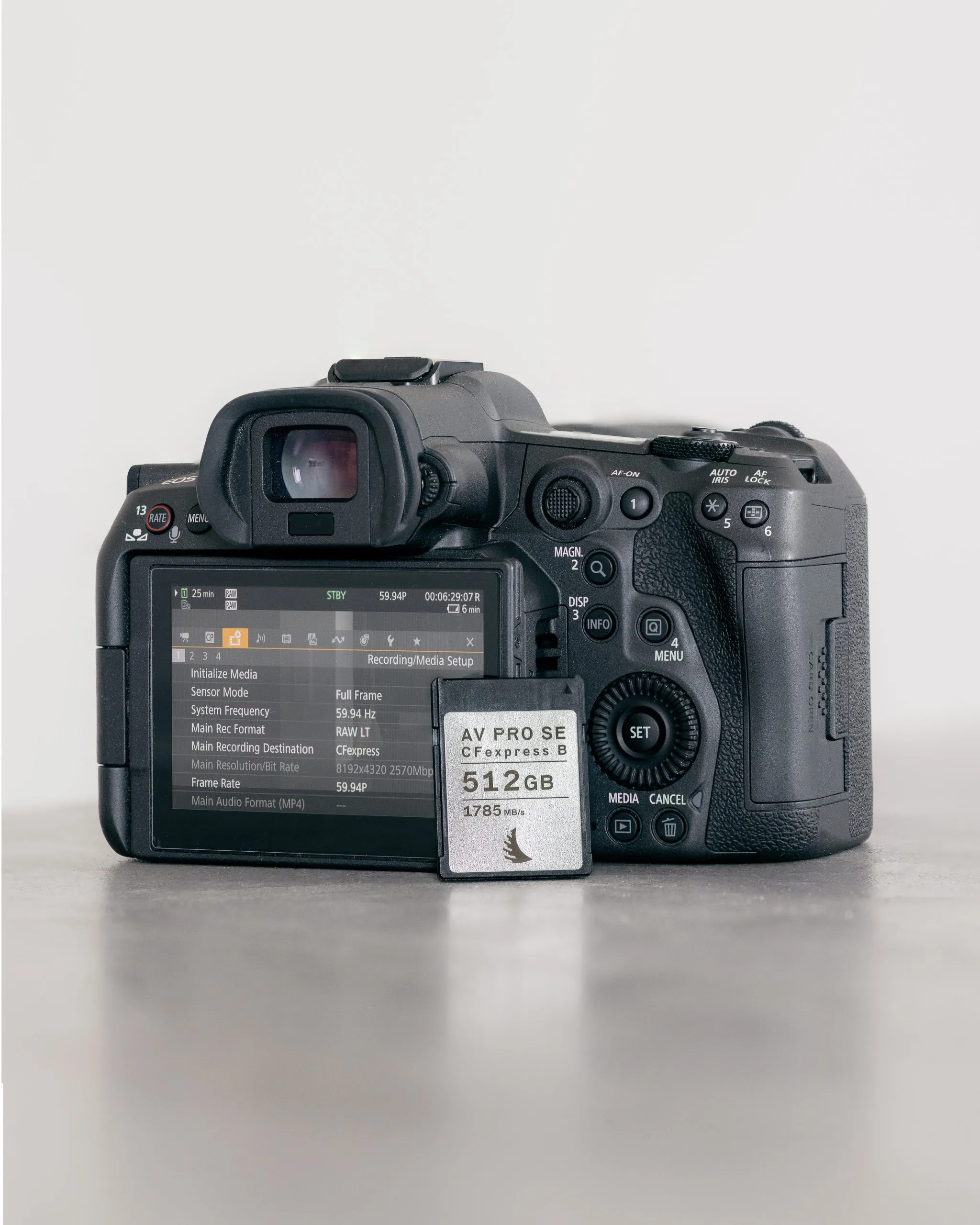
A single afternoon with the Canon R5 leaves me with two or three thousand frames. Half are near-duplicates from a burst. A chunk are soft because autofocus drifted for half a second. The rest need a real look.
I used to sort all of that by hand in Lightroom: flag, reject, flag, reject, for an hour at a time. Then I started reading about local AI culling tools, the kind that score and group your shoot before you even open it, and wanted to know if they actually save the hour or just move the work somewhere else.
This is the question I set out to answer: does local AI culling beat Lightroom's own filters for someone shooting a few thousand RAWs a month, not a few thousand a week.
What local AI culling tools actually do
The category splits on one thing: where the processing happens. Cloud tools upload your photos to score them. Local tools do the scoring on your own machine, which matters if you're culling on a plane or you'd rather not put a client's RAW files on someone else's server.
Three names keep coming up in that local camp. Aftershoot runs an automated or assisted first pass on your desktop, stacking burst frames, flagging blur and closed eyes, and ranking images, all without an internet connection (aftershoot.com, accessed November 2026). Narrative takes a more hands-off stance: it scores focus and eyes and groups a shoot into scenes, but it never picks a winner for you, you still make every keep-or-reject call (aftershoot.com, accessed November 2026). Excire Foto runs face recognition, aesthetic scoring, and duplicate detection locally too, either as a Lightroom plugin or on its own, and it's a one-time purchase rather than a subscription (excire.com, accessed November 2026).
None of these replace your judgment on which image best captures a moment. What they replace is the slow part: scrolling through a thousand near-identical frames to find the five that are actually sharp.
What I compared it against
Lightroom already has tools for this. Reject flags, star ratings, and a blur/focus filter that's gotten noticeably better over the past few versions. For someone who shoots a few sessions a month rather than a wedding every weekend, that baseline is higher than people give it credit for.
So the real question isn't "does AI culling work." It clearly does, the scoring is accurate enough to trust for a first pass. The question is whether it's worth adding a tool, and in most cases a subscription, on top of software you already pay for.
Where the AI tools earn their cost
Volume is the deciding factor. Aftershoot's pricing starts around $10 a month billed annually, with a 30-day trial (aftershoot.com, accessed November 2026). Narrative is priced similarly, around $10 a month for the base tier, with a $20 a month tier that adds its Scenes view and side-by-side face comparison (aftershoot.com, accessed November 2026). Excire Foto breaks from the subscription model entirely at $249 one-time, with a 14-day trial to test it first (excire.com, accessed November 2026).
If you're culling a thousand-plus frames every week, any of these pays for itself in saved hours almost immediately. The automated first pass on Aftershoot in particular is built for exactly that volume: event and wedding work where the batch size makes manual review genuinely painful.
If you're shooting a few hundred frames a handful of times a month, the math changes. You're paying monthly for a tool that saves you maybe twenty minutes a session. That's where Lightroom's built-in filters, slower but free once you already own the subscription, start to look like the better deal.
Where the automation can get it wrong
The scoring models are good at the mechanical stuff: sharpness, closed eyes, duplicate frames. They're worse at the part that actually matters in a cull, which frame has the better expression, the better composition, the moment that's worth keeping even if it's technically the softer shot.
That's why Narrative's approach of scoring but never deciding makes sense to me even though it's the slower option. An automated first pass on Aftershoot will quietly bury a technically imperfect but genuinely better photo lower in the stack. You can go back and find it, but only if you remember to check, which defeats some of the time saved.
I'd treat any of these tools as a sorting assistant, not a judge. They're excellent at getting your best hundred frames out of your worst two thousand. The final call between frame 47 and frame 52 is still yours, and it should be.
Is AI photo culling worth it for a smaller shooter?
For my own volume, not yet. I shoot enough to feel the pain of a manual cull, but not enough to justify a recurring cost on top of what I already pay for Lightroom. The one-time Excire Foto price is the only model that makes sense at my scale, since there's no monthly bill eating into a smaller output.
Does AI culling run locally or in the cloud? Both exist, but the local tools I looked at here specifically avoid uploading your RAWs, which matters more than people expect once you're culling a client's wedding on hotel wifi.
Can AI culling replace manual review entirely? Not with Narrative, by design, and only partially with Aftershoot's automated mode, which still expects you to review and swap picks rather than trust it blind.
The honest verdict
Local AI culling tools do what they claim: they score focus, flag duplicates, and cut the time spent scrolling through a bloated shoot. For high-volume work, that's worth a subscription without much debate.
For lower volume, add up your actual shoot count before paying monthly for a problem Lightroom already handles reasonably well. If you still want the AI pass, look at a one-time purchase over a subscription first. It's the only pricing model in this category that scales down to match a smaller shooter instead of charging wedding-photographer rates for a hobbyist's workload.