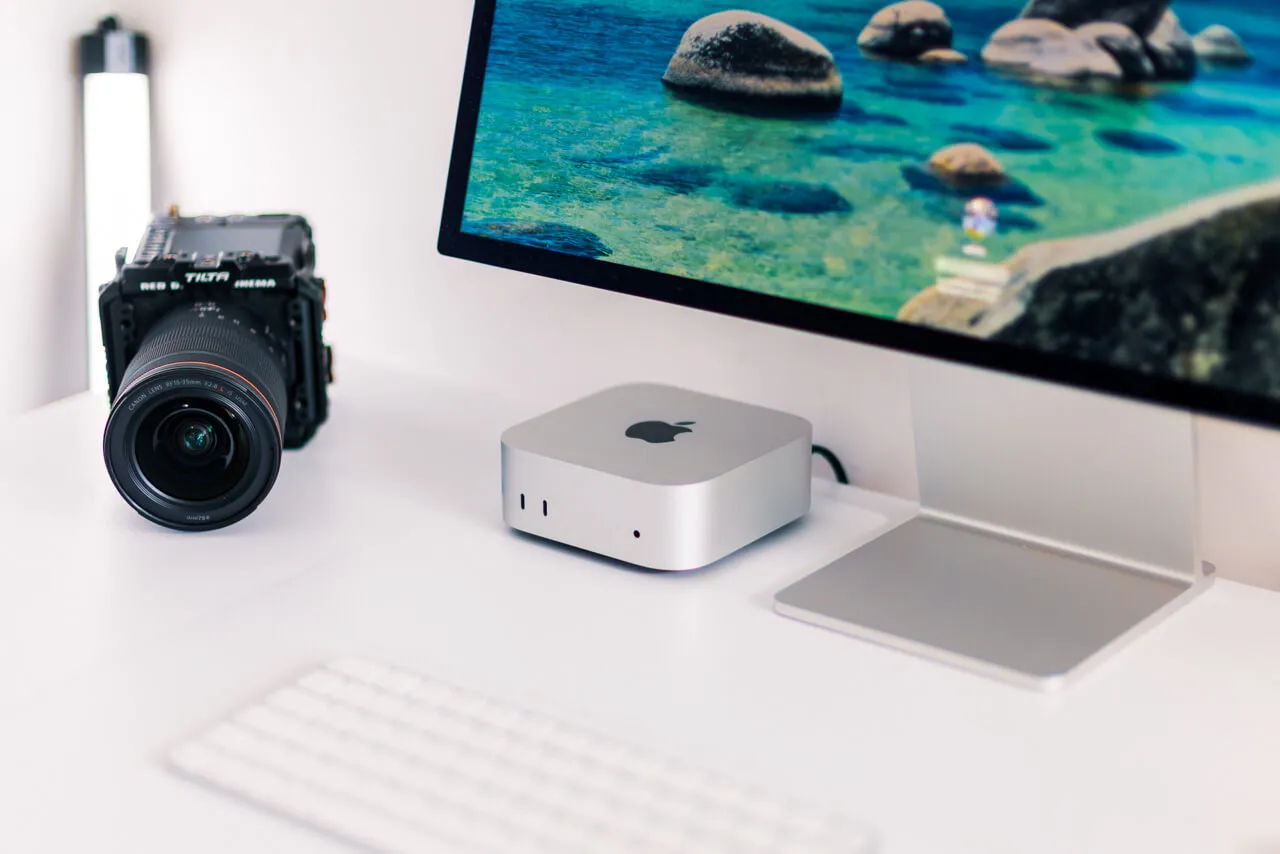
My M4 Mac mini has been running 24/7 as a home server for more than eight months. It sits on a shelf, I cannot hear it, and I only notice it when I need something from it.
That is the main reason I like the M4 Mac mini as a home server. It is small, it draws a few watts, and macOS keeps running in the background for months without asking for attention. People have used Mac minis as servers for a long time, and Apple even sold a Mac mini Server edition back in 2011.
In this post I go through what I use mine for, what it costs to run, where it falls short and which configuration I would buy now that the M6 Mac mini is out. I own the 24 GB model with a 512 GB SSD, so that is the machine I am talking about.
What do I use an M4 Mac mini home server for?
I mostly use it as the always-on hub for my AI agents. I run Hermes on it and connect it to cloud models like Claude or Mistral. The mini hosts the agent and the cloud does the heavy thinking. Because it is a Mac, the agents can also work with Apple Notes, a browser and any other app installed on the machine, which a Linux box cannot do.
I also use Claude Code on it. I start a session on the mini and continue it from my phone with Remote Control, so I can change something in a project while I am on the road. The code runs on the mini the whole time. I do this in a lot of my projects, because I no longer have to walk back to my desk for every small fix.
The rest is smaller stuff. I have an old A3/A2 photo printer without a network connection, and the mini made it a network printer. More storage goes on over Thunderbolt. The usual self-hosting projects like Immich, Nextcloud or Vaultwarden run well on a Mac mini too, and many people use theirs for exactly that.
For a few small apps for yourself or your family, a 1U rack server is overkill. Those machines are loud because of the fans and the redundant power supplies. A Mac mini runs quietly in the background.
How do I reach it from anywhere?
With the Screen Sharing that is built into macOS. You switch it on once in the settings, and after that I can log into the mini from my MacBook wherever I am. When I need to change a setting or sign in somewhere so that Hermes can use a service, I do it that way. It needs no extra tooling and it has worked every time.
For the connection between my devices I use Tailscale. My NAS stands at my parents' house, about 600 km away from where I live, and Tailscale puts it, my Mac and the mini into one private network. I have used it for about a year now, since I started running Hermes, and it works very well.
Sharing services with other people is the difficult part. If you want to show photo albums to friends or clients, a wrong setup can become dangerous, and that is much harder to fix than a wrong setting at home. If you do not come from IT, keep the mini inside your private network until you know what you are doing. I will write about how I handle this in a separate post.
How much power does an M4 Mac mini use as a server?
Apple lists the M4 Mac mini at 4 W idle and 65 W at maximum. Independent testers measured between about 2.6 and 6 W at idle. I do not own a power meter, so the figures come from Apple and from the testers. I have no readings of my own.
Apple measures idle with only the Finder open. A server that runs Tailscale, a few services and an agent will sit somewhat above that. Here is what a year of 24/7 running costs in Germany at 37.3 ct/kWh, the average household price BDEW reported for 2026:
At 4 W the mini uses about 35 kWh a year, which is around €13. At 10 W it costs about €33, and at 20 W about €65. I would plan with €30 to €65 a year, which is low enough that I stopped thinking about it.
Is 16 GB enough, or should you buy 24 GB?
The base M4 Mac mini has 16 GB of RAM and a 256 GB SSD. For a pure server that hosts a few services, 16 GB is enough. I would still choose 24 GB if you can find one at a fair price.
The extra memory gives you room for Docker, which on macOS runs inside a small virtual machine, plus a few browser windows for agents and whatever else you add later. I think 16 GB will start to feel tight within the next two or three years. RAM is soldered, so you cannot fix that afterwards. Storage is easier. The internal SSD cannot be upgraded officially, and the third-party kits for the M4 are unofficial. An external SSD over Thunderbolt solves the problem for a server.
The 24 GB version also holds its value better when you sell it. On the German used market the gap between a 16 GB and a 24 GB machine is often a couple of hundred euros, and the 24 GB machines I see often come with a bigger SSD as well. The price varies a lot, so check the current listings. A 32 GB model is rare and expensive, and I would not chase it.
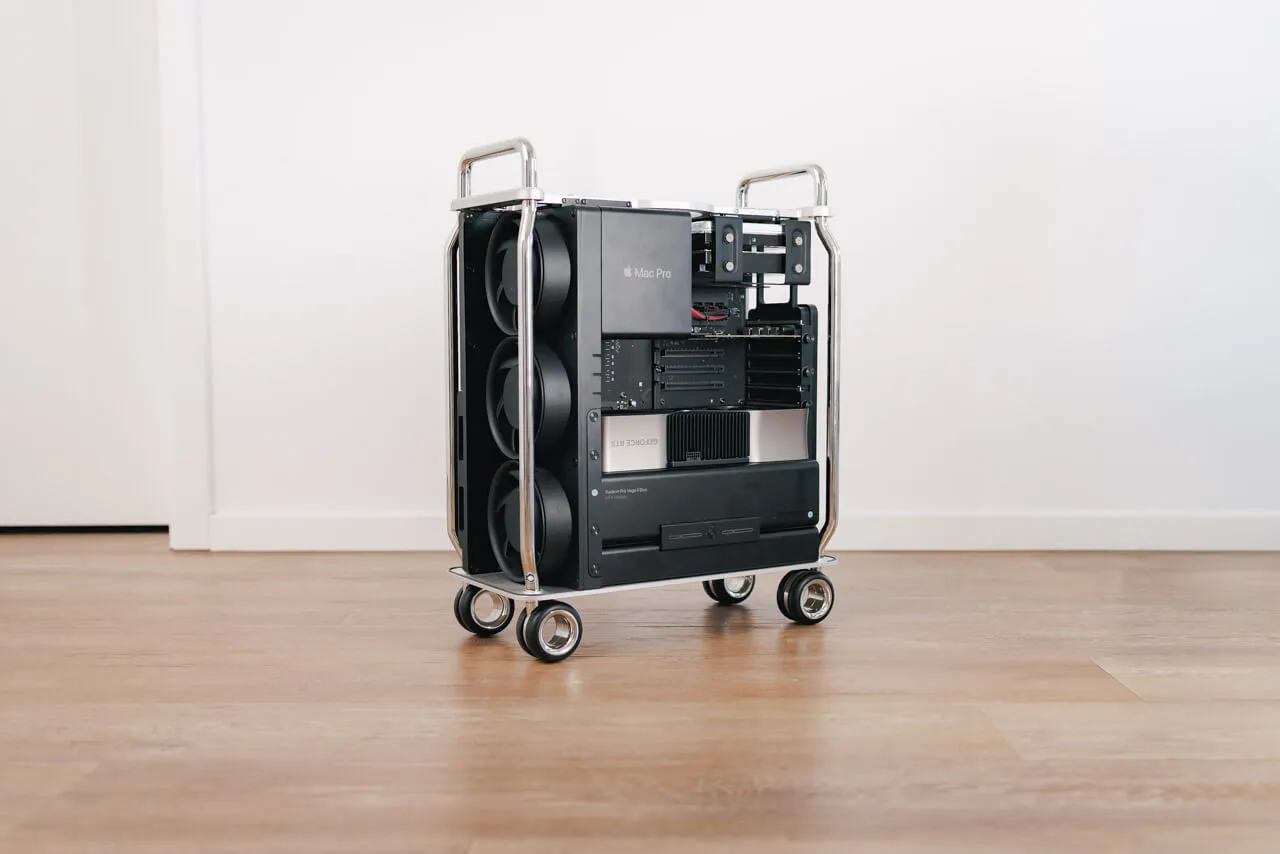
You may wonder about performance, too. I kept my M1 Max MacBook Pro from January 2022 until a month ago and never had a performance problem with it, and macOS 27 still supports the Macs from 2020. An M4 will be fine for years in a job like this. In my Blender test with the Monster Under The Bed demo scene, the M4 mini rendered in 1 minute 32 seconds and the M1 Max MacBook Pro needed 2 minutes 20 seconds. The M4 also used about 18 W for the GPU against 25 W. I wrote about the test in my post on the 2019 Mac Pro. The M3 generation was the first with hardware ray tracing, which helps in such cases. For rendering work the M4 is a fast machine, and for home server work it has far more power than it needs.
Can an M4 Mac mini run local AI models?
For some jobs yes, and you should keep your expectations low. I tried to make local models productive in a lot of ways, and it only works for fairly specific tasks.
The first limit is memory. macOS reserves part of the RAM for itself, and the GPU can use roughly two thirds to three quarters of the unified memory by default. On a 24 GB mini that leaves around 16 to 18 GB for a model. Qwen 3.8 27B is one of the most recommended local models right now, and it needs about 15 to 18 GB at 4-bit before you add any context. It only fits in a smaller 3-bit version. Models like Gemma 4, which comes in several sizes, fit without trouble.
The second limit is speed. Generating text depends mostly on memory bandwidth, and the M4 has 120 GB/s. A dual-channel DDR5 desktop manages about 90 GB/s on paper. My M1 Max has 400 GB/s, more than three times the M4, and you notice that when a model writes its answer. I am running a token test between the two and will publish the numbers separately.
What does work is batch work that can take its time. I used a local model to sort the photos of an event job that ran over several days, with a lot of images to go through. Cloud AI would have cost much more for that, and it did not matter that the local model needed longer. Small tasks work too.
If you want local AI as the main reason to buy a Mac, I would look at 48 to 64 GB of RAM and a Max chip, because of the bandwidth. I would not buy a base M4 Mac mini only for that. The mini makes more sense as the hub that talks to cloud providers like Claude or Mistral, and there its low power draw is the strength.
Where does the Mac mini fall short as a server?
It cannot run a proper server operating system and is limited to running Docker on top of macOS. Proxmox runs on x86 only, and a Mac mini is not built for virtual machines the way a homelab box is. If you want snapshots, ZFS, cheap RAM upgrades and a proper hypervisor, a used Lenovo ThinkCentre Tiny or a small Intel N150 mini PC is the cleaner choice.
Docker adds some overhead on macOS because it runs in a virtual machine. Home Assistant OS and the Supervised install do not run on macOS, so Home Assistant runs as a container only. But Jellyfin and Plex can use the hardware transcoding of the Mac natively, which is a plus.
macOS updates can restart the machine, so I would switch off automatic installs on a server and update by hand. Turn on the automatic restart after a power failure as well, so the mini comes back on its own.
For bulk storage with redundancy, a NAS is still the better option to go with. The mini works well next to it to keep systems separate and mitigate security risks when you want to have services reachable from outside your home network.
M4 or M6 Mac mini: what should you buy now?
The M6 Mac mini has been available since 22 September 2026, and Apple stopped selling the M4 new. A used M4 version with 16 GB / 256 GB still goes for roughly €650 to €880 on the used market here, because Apple raised prices this year and memory has become more expensive. Therefore, the M4 isn't as attractive as it was when it launched.
The M6 officially starts at €1,049 for 16 GB and 256 GB here in Germany, but I have seen it for around €880 at Amazon.de. It also has 2.5 Gb Ethernet as standard, while the M4 has Gigabit Ethernet, which can matter for a server if your router and internet plan allow those speeds. But you can always use a faster Ethernet adapter via one of those Thunderbolt ports.
A used base M4 is about €200 cheaper than a new M6. Apple does not officially support upgrading the internal SSD of the M4, but third-party kits exist, and that option is gone in the M6 version.
My advice: a used 24 GB / 512 GB M4 for around €900 is a good deal and the performance advantages of an M6 won't be that noticeable for home server use. These prices are a snapshot from mid-November 2026 and they change from week to week.
The bottom line
The M4 Mac mini is still a very good always-on machine if you work in the Apple world. It runs quietly, costs around €13 to €65 a year in power and can host agents that use Apple Notes, a browser and Mac apps, can be reached from around the world and the setup is easier for not so tech savvy people to get started with hosting your own software.
Buy the 24 GB version if you can find it at a fair price, and use an external SSD for storage if you need it. Do not buy it only for local AI, and do not expect it to replace a full Proxmox homelab. For everything else it has been the machine I never have to think about.